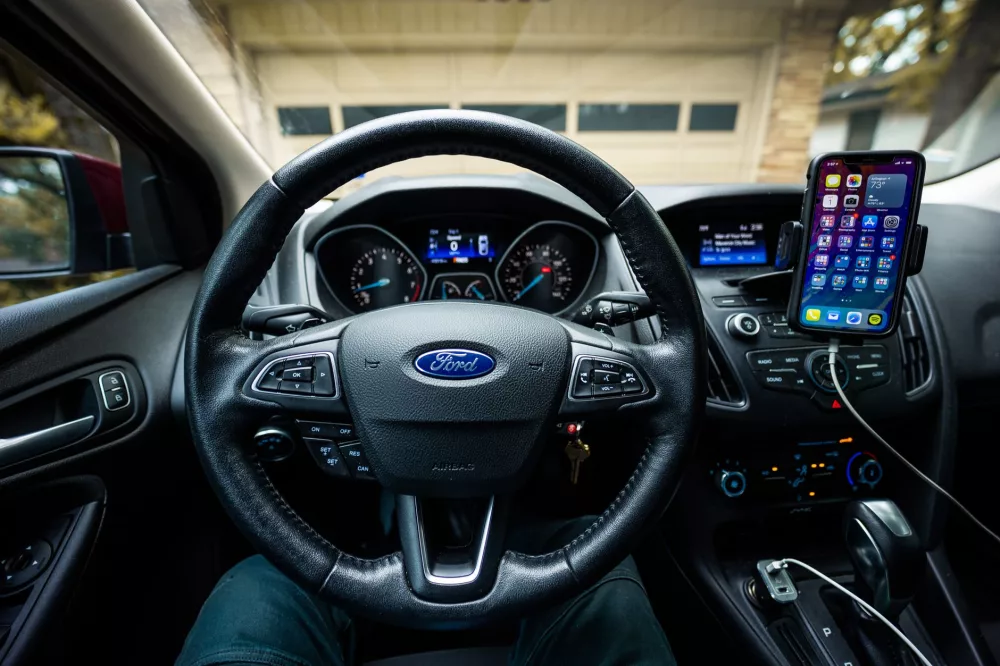
Your Ford, Your Phone, Seamlessly Connected: A Look at SYNC Apps
Hey there! If you’re like me, your car isn't just a way to get from point A to point B anymore; it's practically an extension of your digital life. And if you drive a Ford, you’ve probably heard of or even used SYNC. But do you really know what mobile apps you can run through it? I remember when I first got my Ford and started poking around the SYNC system. It felt a bit like unlocking a hidden superpower for my commute! So, let's unpack the whole Ford SYNC mobile apps scene together, shall we?
Ford’s SYNC infotainment system, in its various iterations (like SYNC 3 and the newer SYNC 4), is designed to integrate your smartphone experience directly into your vehicle. What does that mean for you? Well, it means you can control many of your favorite mobile apps using voice commands or the touchscreen display, keeping your eyes on the road and your hands on the wheel. It's all about making your drive safer and a whole lot more convenient. I mean, who wants to be fumbling with their phone when they're trying to navigate rush hour traffic?
Breaking Down SYNC and AppLink: Your Digital Bridge
Before we dive into the specific apps, let's quickly clarify the tech. Ford SYNC is the overarching infotainment system. Within SYNC, you'll find a feature called AppLink. AppLink is the magic ingredient that allows certain smartphone apps to communicate with your car's SYNC system. Think of it as a translator, letting your car understand and control apps running on your phone.
It works pretty slick. Once your phone is connected (usually via Bluetooth or USB, depending on the app and SYNC version), AppLink essentially mirrors a simplified version of the app's interface onto your car's screen. Plus, it gives you access to voice control for many functions, which is a huge win for safety. It's not just about seeing the app; it's about interacting with it without picking up your phone.
Getting Started: Connecting Your Phone to SYNC
So, how do you actually make this happen? It’s usually a straightforward process. First, make sure your phone has the app you want to use installed and running. Then:
- Bluetooth Connection: For most AppLink-enabled apps, you'll pair your phone to your Ford SYNC system via Bluetooth. Go to your SYNC screen's settings, find “Add Device” or “Bluetooth,” and follow the prompts. Your phone should show up, and you'll confirm the pairing.
- USB Connection: Some apps, especially those that leverage Apple CarPlay or Android Auto (which often work alongside or in lieu of AppLink for newer systems), might require a USB connection for full functionality. Just plug your phone into one of your Ford's USB ports.
- Launch the App: Once connected, open the desired app on your phone. Then, on your SYNC screen, you might see an “Apps” icon or a section for AppLink. Select it, and your phone's compatible apps should appear. It's typically that easy! I’ve found it usually connects without a hitch, but sometimes a quick restart of the app on my phone helps if it's being stubborn.
The Apps You Can Use: A World of Connectivity
Okay, this is the exciting part! The list of supported apps can change as new ones are developed and old ones are updated or retired, and it can also depend on your specific SYNC version (SYNC 3 generally has a broader AppLink library than earlier versions, and SYNC 4 often emphasizes Apple CarPlay/Android Auto). But here are some common categories and popular examples you'll often find compatible with Ford SYNC via AppLink or integrated through CarPlay/Android Auto.
Navigation and Location Apps
Gone are the days of printing out MapQuest directions! These apps are lifesavers for finding your way, avoiding traffic, and discovering new places.
- Waze: This is a personal favorite. Waze offers real-time traffic updates, hazard alerts, and police presence notifications from a community of drivers. Running it through SYNC, you get those crowd-sourced insights right on your dash. It's fantastic for beating the morning commute.
- Apple Maps / Google Maps: If your SYNC system supports Apple CarPlay or Android Auto, you'll have full, seamless integration of these powerful mapping tools. They offer turn-by-turn directions, points of interest, and satellite views, all accessible through your car's screen and voice commands. I practically live by Google Maps when I'm exploring new cities.
- TomTom Navigation: Some Fords, especially older models, might have integrated TomTom services, and some versions of AppLink could support its mobile app.
- Glympse: Ever wanted to let someone know exactly when you'll arrive without constantly texting? Glympse allows you to share your location in real-time with specific contacts for a set period. It's super handy for coordinating meetups or letting family know you're on your way home.
Music, Audio, and Entertainment
A silent car ride? No thanks! Music and audio apps are probably some of the most frequently used SYNC integrations.
- Pandora: Create personalized radio stations based on your favorite artists and genres. With AppLink, you can thumbs up/down songs, skip, and change stations all from your SYNC screen or with voice commands.
- Spotify: Access your entire Spotify library, playlists, and discover new music. Like Pandora, SYNC integration gives you control without touching your phone. It's a staple for road trips, for sure.
- iHeartRadio: Stream thousands of live radio stations, create custom stations, and listen to podcasts. It’s a great option if you love traditional radio but want more variety or specific shows.
- Amazon Music / Apple Music: If you're subscribed to these services, you'll find them seamlessly integrated through Apple CarPlay or Android Auto, giving you access to vast music libraries and curated playlists.
- Audible: For audiobook enthusiasts, Audible via CarPlay/Android Auto is a dream. You can listen to your books right where you left off, control playback, and browse your library hands-free.
News and Information
Stay informed without getting distracted. These apps bring the latest headlines and weather directly to you.
- AccuWeather: Get current weather conditions, forecasts, and alerts. It's a quick way to check if you'll need that umbrella before you even step out of the car. I always check it before a long drive.
- NPR One: For news and podcast lovers, NPR One delivers a stream of news, stories, and podcasts tailored to your interests. It's a great way to catch up on current events.
Utility and Vehicle Management
Beyond entertainment, some apps offer practical utility for your vehicle and daily life.
- FordPass / FordPass Connect: This one is a big deal! The FordPass app isn't just an AppLink integration; it's Ford's own ecosystem for vehicle ownership. Depending on your vehicle and its features (like FordPass Connect modem), you can use the app to start, lock, and unlock your vehicle remotely, check fuel levels, schedule service, find parking, and even act as a Wi-Fi hotspot. It's incredibly powerful and takes vehicle management to a new level. I use it constantly to warm up my car in the winter.
- Alexa Built-in (for newer SYNC systems): While not strictly a phone app running *through* AppLink, many newer SYNC systems (like SYNC 4A) have Amazon Alexa built right in. This means you can use voice commands to play music, check the weather, get directions, make calls, control smart home devices, and so much more, all without needing to launch an app on your phone. It's like having your smart speaker in your car.
Important Considerations and Tips
Before you get too excited (though you totally should be!), there are a few things to keep in mind:
- SYNC Version Matters: The specific apps available and how they integrate can vary significantly between SYNC versions (e.g., SYNC 2/MyFord Touch, SYNC 3, SYNC 4). Newer versions generally offer better compatibility and more features, especially with CarPlay/Android Auto.
- Smartphone OS: AppLink and the broader SYNC ecosystem usually support both iOS (Apple) and Android devices, but sometimes an app might work better or have slightly different functionality on one platform versus the other.
- Data Usage: Remember, most of these apps are streaming data from your phone. If you don't have an unlimited data plan, keep an eye on your usage.
- Updates: Keep your SYNC software updated! Ford regularly releases updates that can improve performance, add new features, and enhance app compatibility. You can often check for updates via Wi-Fi directly through your car's system or by downloading them to a USB drive from Ford's support website.
- Safety First: While SYNC is designed to minimize distraction, always prioritize safe driving. Use voice commands whenever possible, and only interact with the touchscreen when it's safe to do so.
Using your Ford SYNC system with your favorite mobile apps can truly transform your driving experience. From navigating unfamiliar routes with Waze to jamming out to your Spotify playlists or remotely starting your car with FordPass, the integration makes your ride more enjoyable, connected, and frankly, just plain easier. Go ahead, explore your SYNC system, and unlock all the cool things your Ford can do!